
BLE Scanner
Discover nearby peripherals with fast scan controls, search, and filtering to isolate your target device quickly.
Diagnose Bluetooth Low Energy issues faster with a focused BLE debugging app for scanning, GATT inspection, packet testing, session logs, and AI-driven troubleshooting.
Built for firmware engineers, QA teams, and hardware integrators who need a fast Bluetooth explorer app on iOS.
Discover nearby peripherals with fast scan controls, search, and filtering to isolate your target device quickly.
Browse services and characteristics, then jump directly into read/write flows for detailed protocol checks.
Send packets in hex, text, binary, or decimal mode and verify write acknowledgements in one console.
Save reusable command packets for regression tests and consistent team workflows across firmware versions.
Capture timestamped events, clear noise between runs, and export session data for bug reports and triage.
Turn raw BLE communication history into actionable hints for pairing, timeout, and protocol mismatch issues.
Choose the workflow that matches your objective, from first bring-up to production troubleshooting.
Scan a fresh board, confirm services, send baseline packets, and verify expected responses before deeper testing.
Reconnect quickly, review signal and status, then use navigation assistance to locate the physical target device.
Reuse packet sets, run repeatable command sequences, and export logs to compare outcomes between builds.
A practical sequence for fast issue isolation on iPhone or iPad.
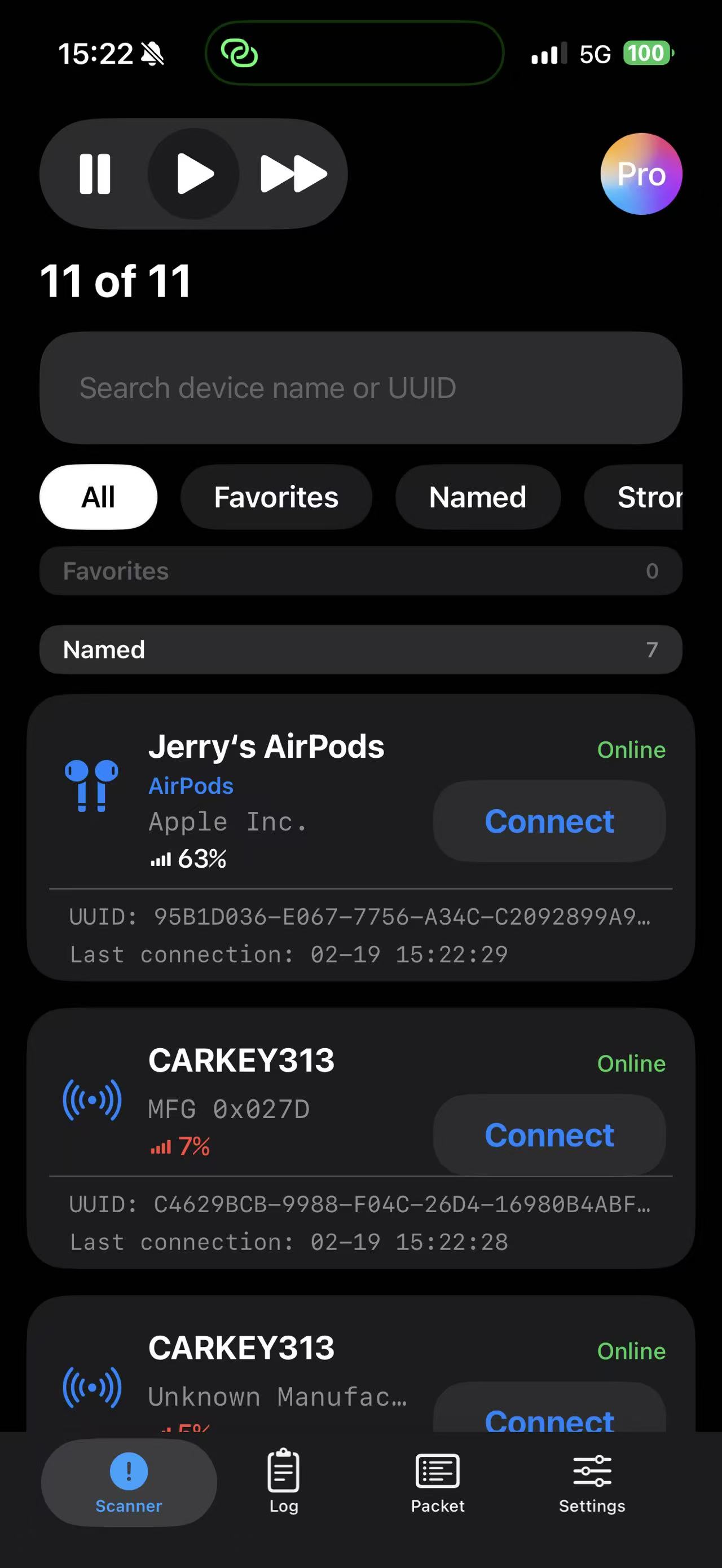
Find the target device, filter noisy results, and enter the service view.
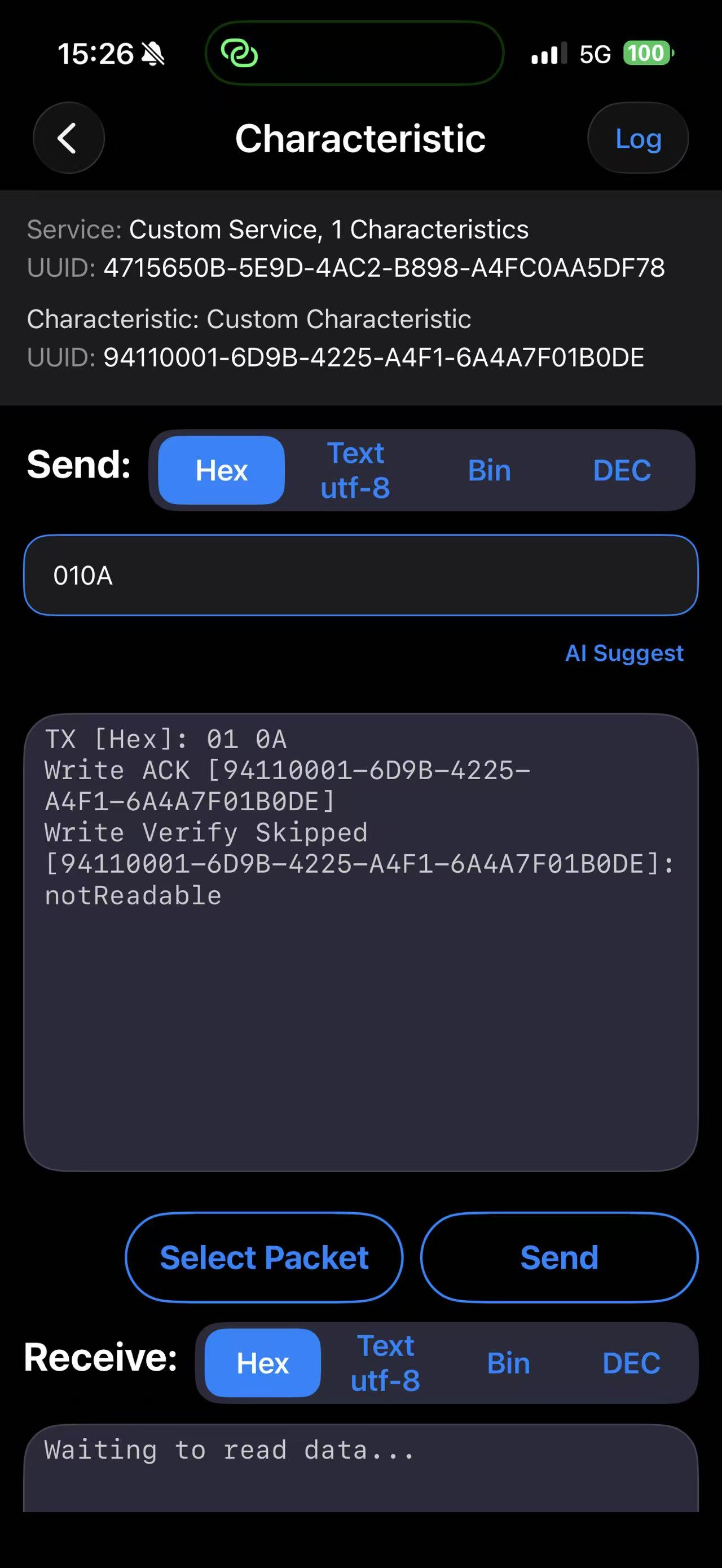
Write and read characteristic payloads, then validate ACK and response behavior.
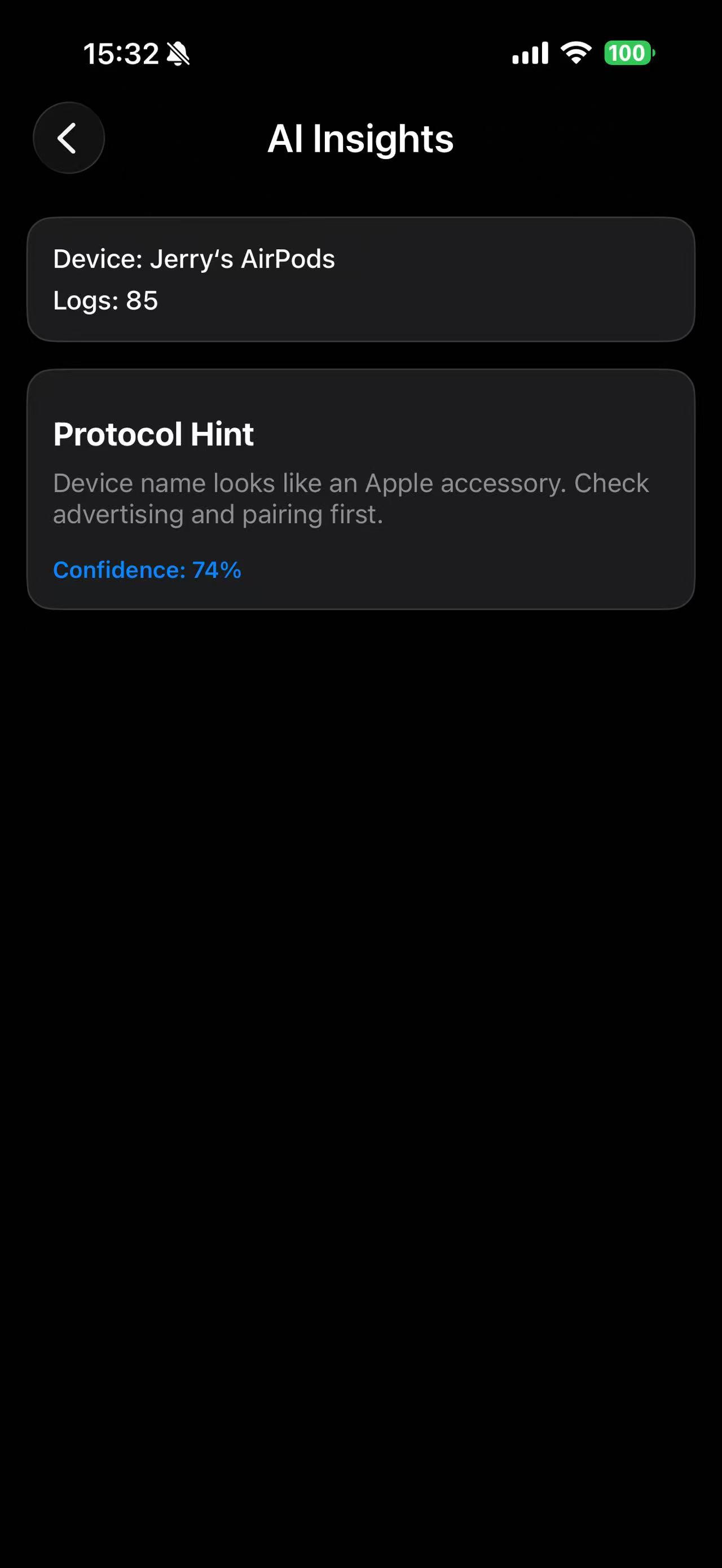
Review timeline logs, read AI insights, and export session evidence for your team.
Tip: For stable BLE testing in noisy RF environments, keep only one target device active when validating packet-level behavior.
Last updated: March 2, 2026
Common questions from developers and test teams evaluating a BLE scanner and GATT terminal on iOS.
Bluetooth Explorer is an iOS BLE debugging app for scanning devices, checking GATT services, sending commands, reviewing logs, and speeding up troubleshooting with AI insights.
Yes. The app supports hex, text, binary, and decimal modes so you can test packets in the format your firmware uses.
Yes. After connecting, you can browse discovered services and characteristics, then open read or write flows for detailed BLE verification.
Bluetooth Explorer records timeline logs, lets you export session evidence, and uses AI diagnostics to highlight possible protocol or connection issues.
According to the app privacy policy, BLE debugging and device-finding related diagnostics are processed on-device and not uploaded for analytics or model training.
You can open the full user guide and privacy policy from this page to review setup steps, workflows, and data handling details before installing.
If you need a focused BLE scanner, GATT inspector, and Bluetooth terminal app for iOS, install Bluetooth Explorer and start debugging from your iPhone or iPad.